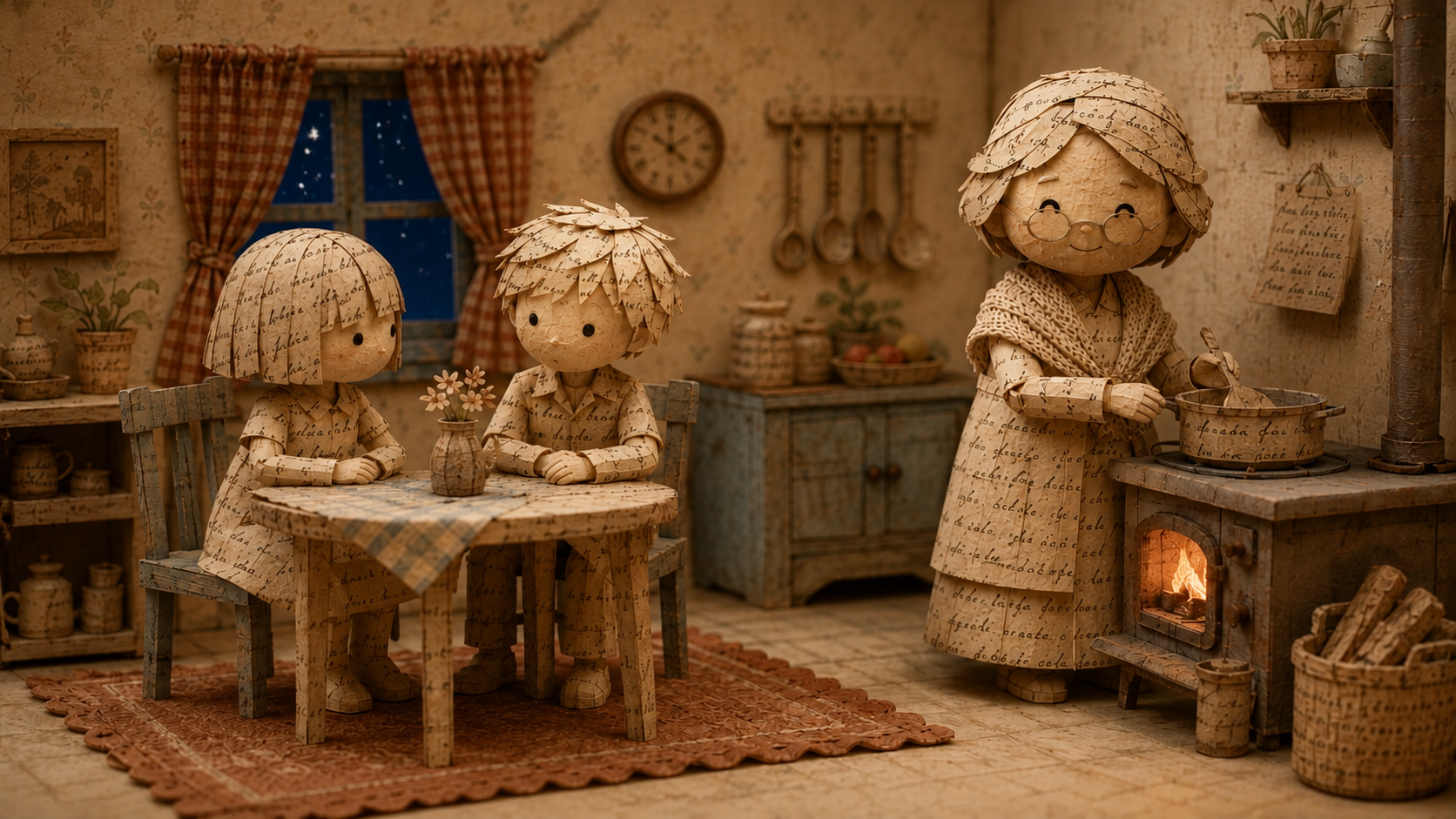
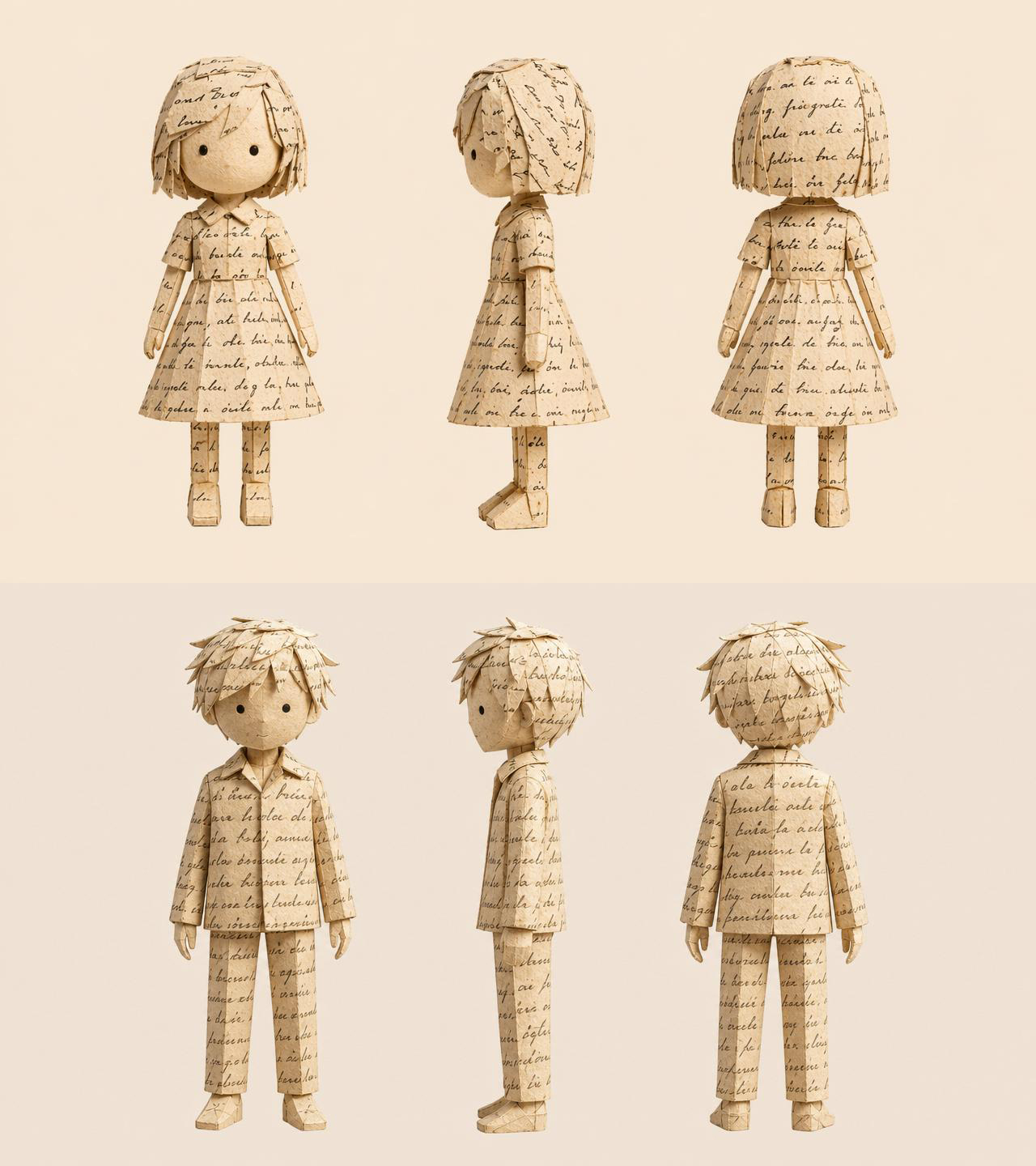
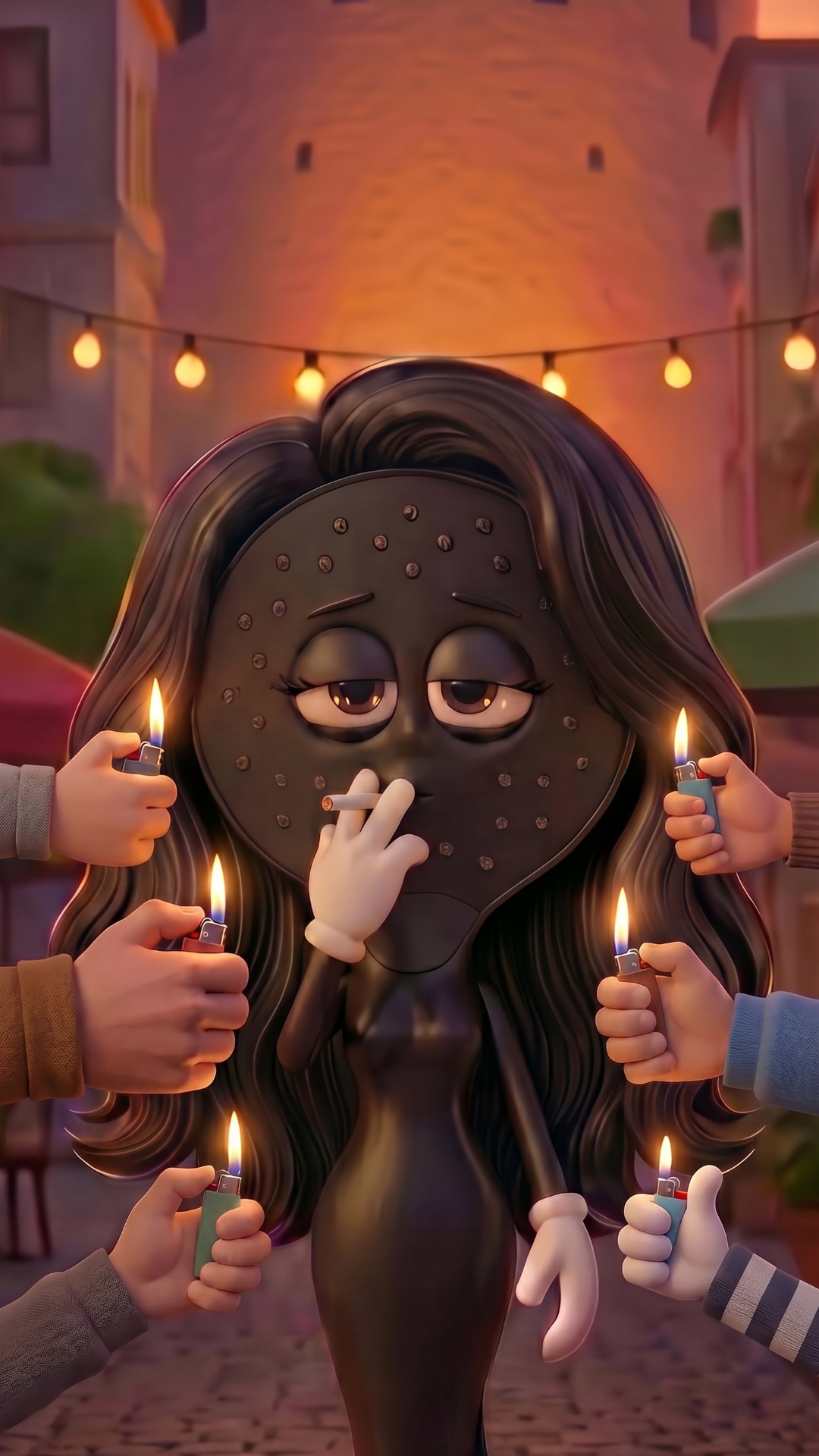
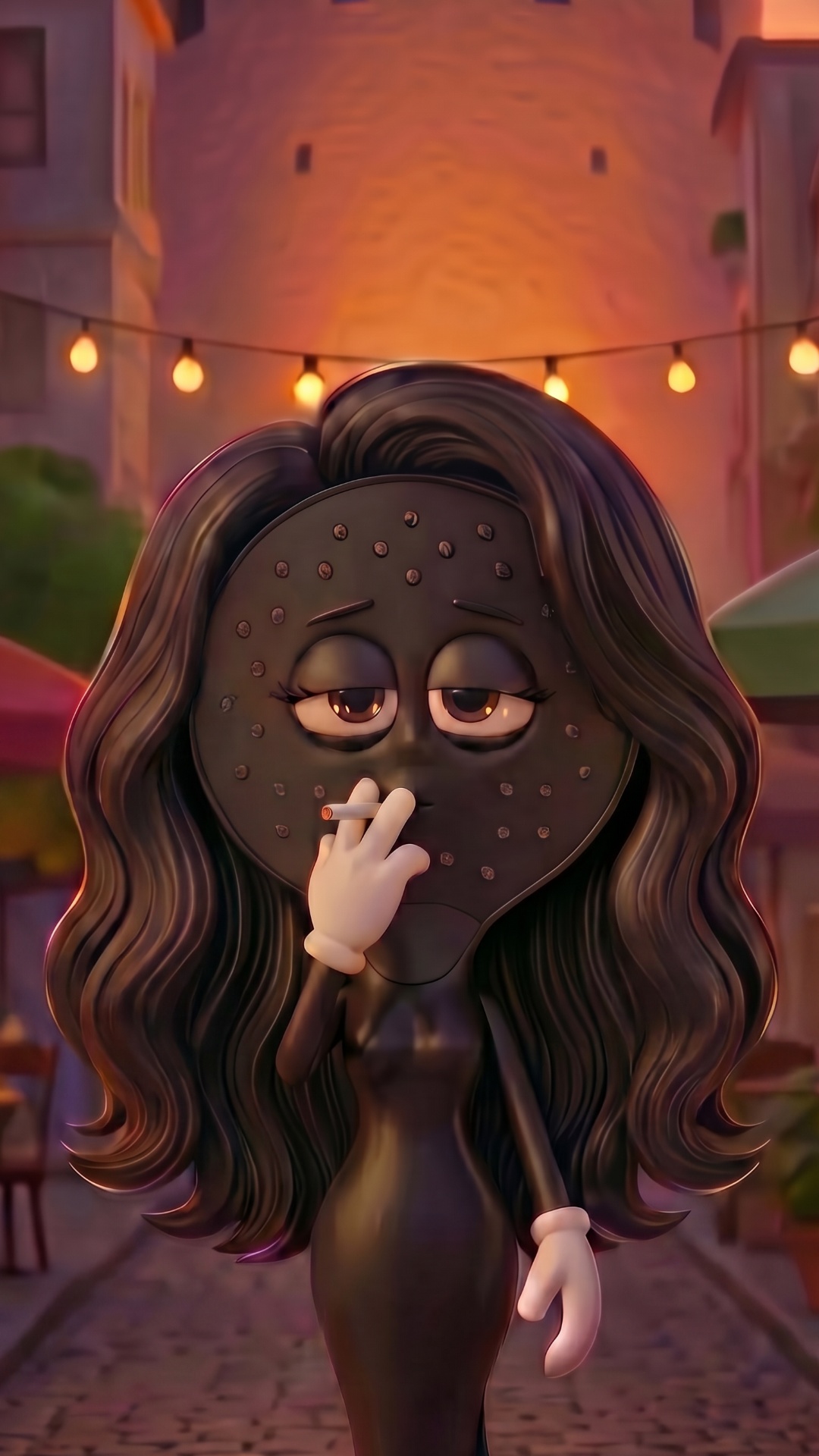
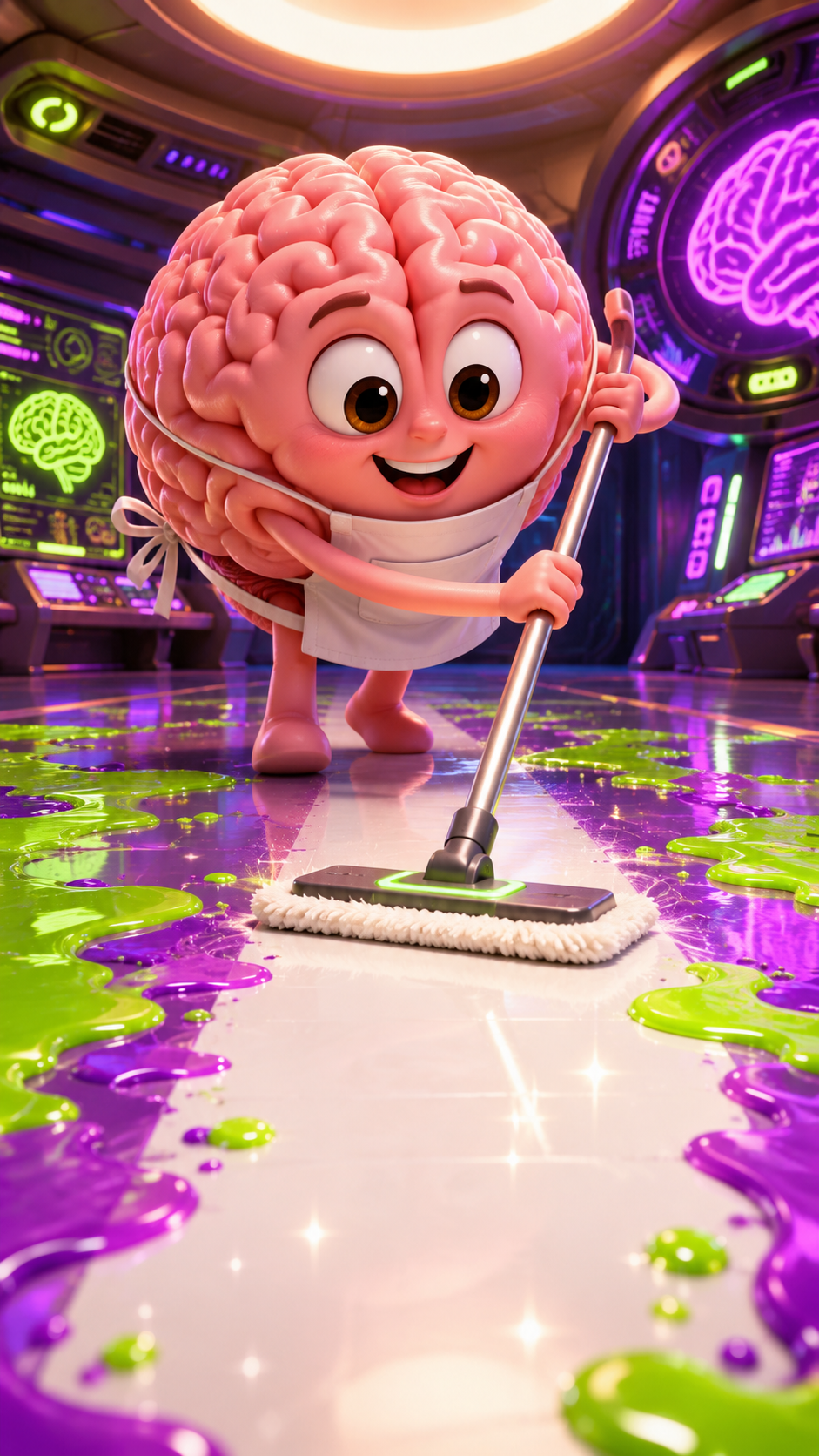
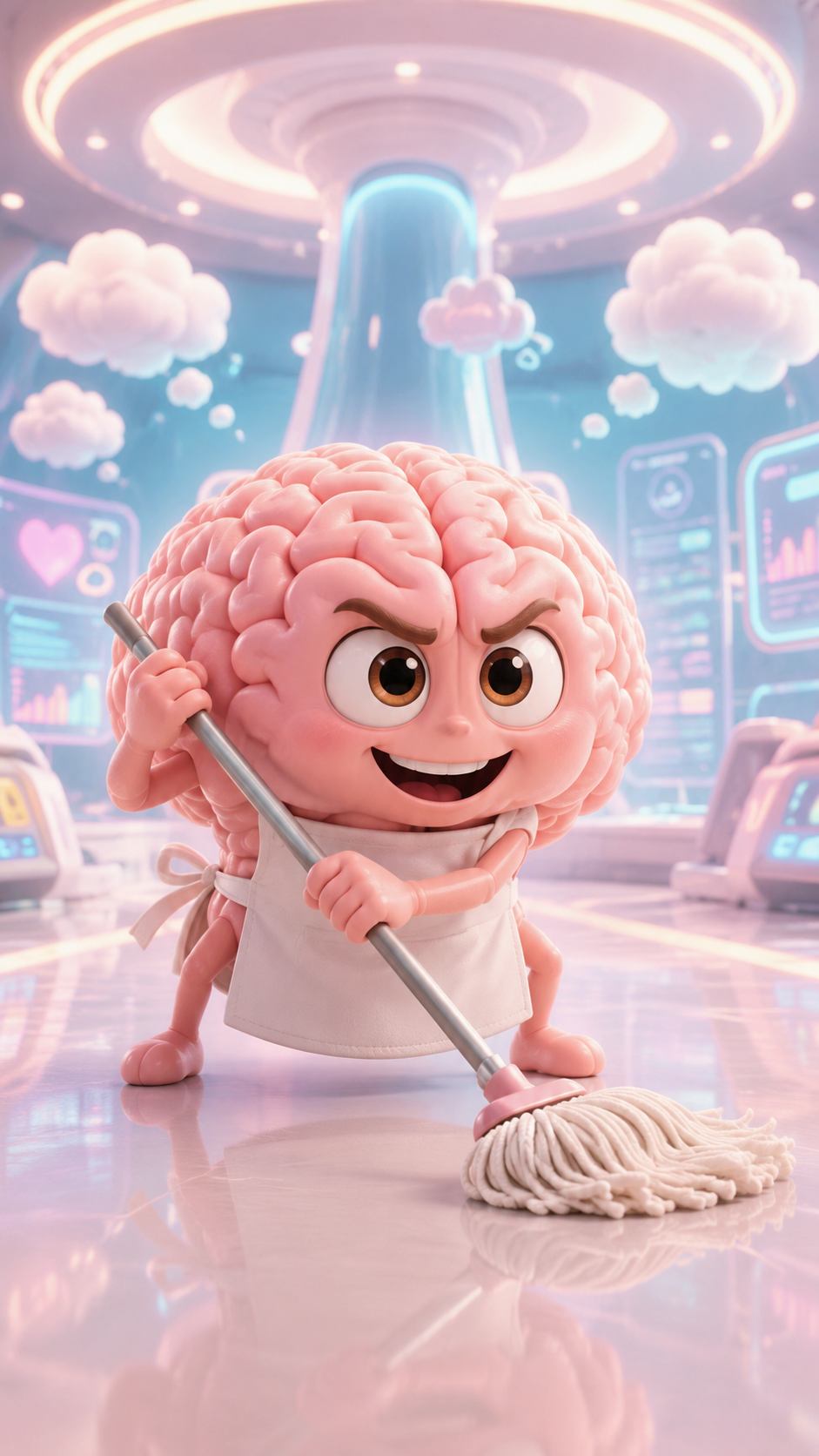
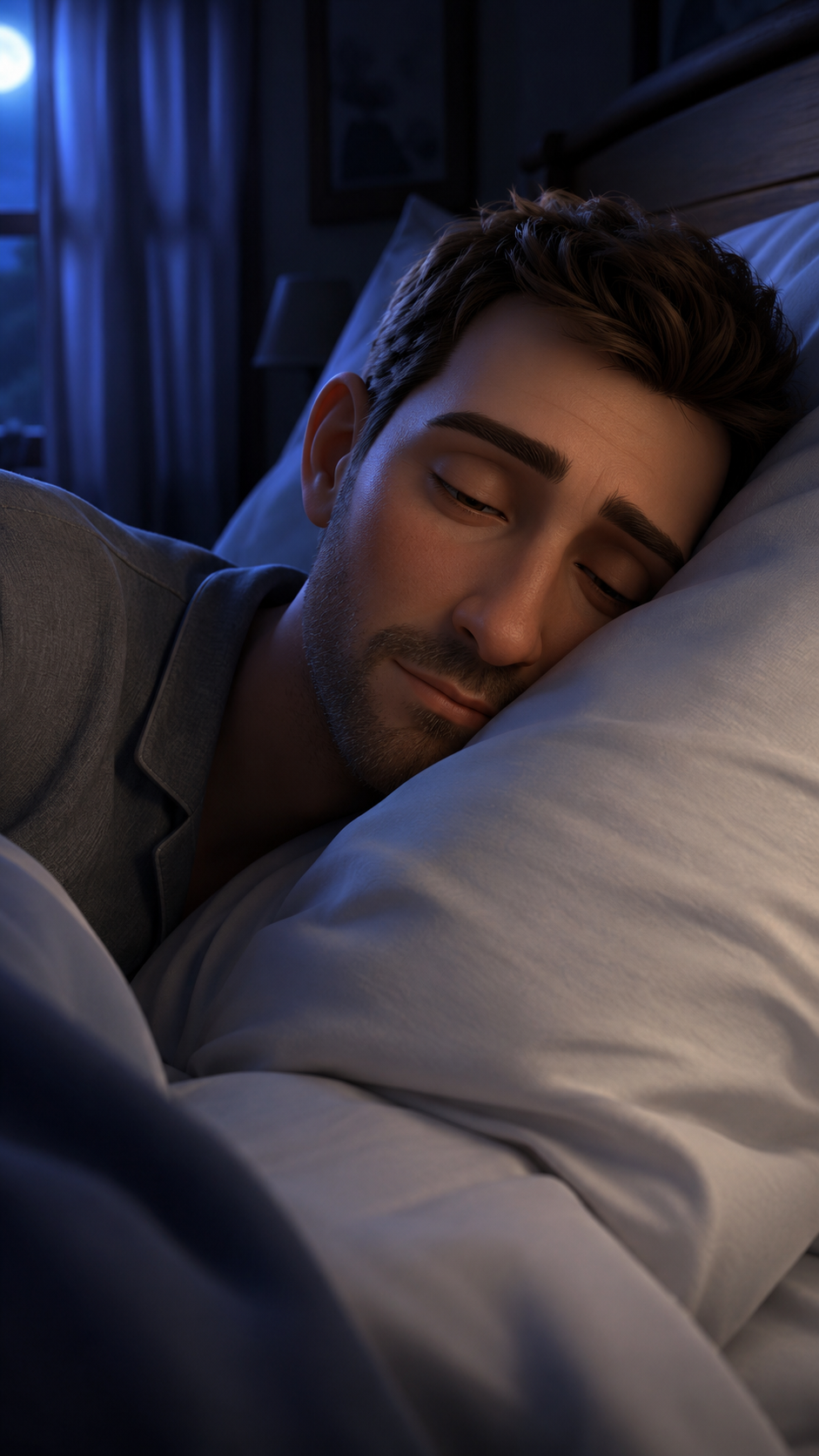
@Image1 is the scene to edit — keep everything exactly as it is: same lighting, same composition, same characters, same objects, same room layout. Do not change the ambient lighting or brightness at all.
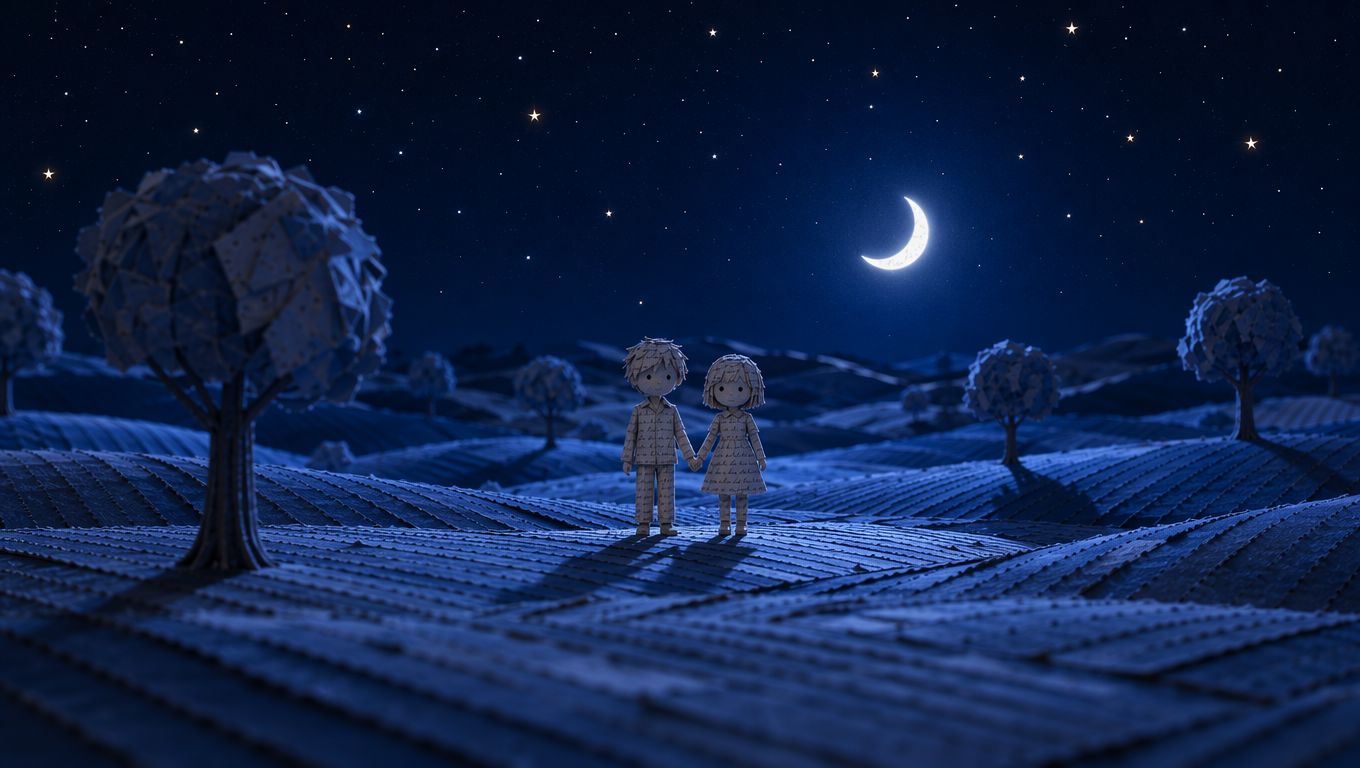
@Image2 is the style reference for the window — use it only as a guide for how the night sky through the window should look (deep navy blue tone, small handcrafted paper stars, soft moonlight glow), matching its exact visual style and texture.
Only change: replace the view through the window in @Image1 with an evening/night sky matching the style of @Image2 — a deep navy-blue paper sky with small paper stars scattered across it, in the same tactile handmade paper texture as the rest of the world.
Do not change anything else in the image — no changes to the room's lighting, characters, poses, objects, or colors. Only the window's visible sky should be updated.