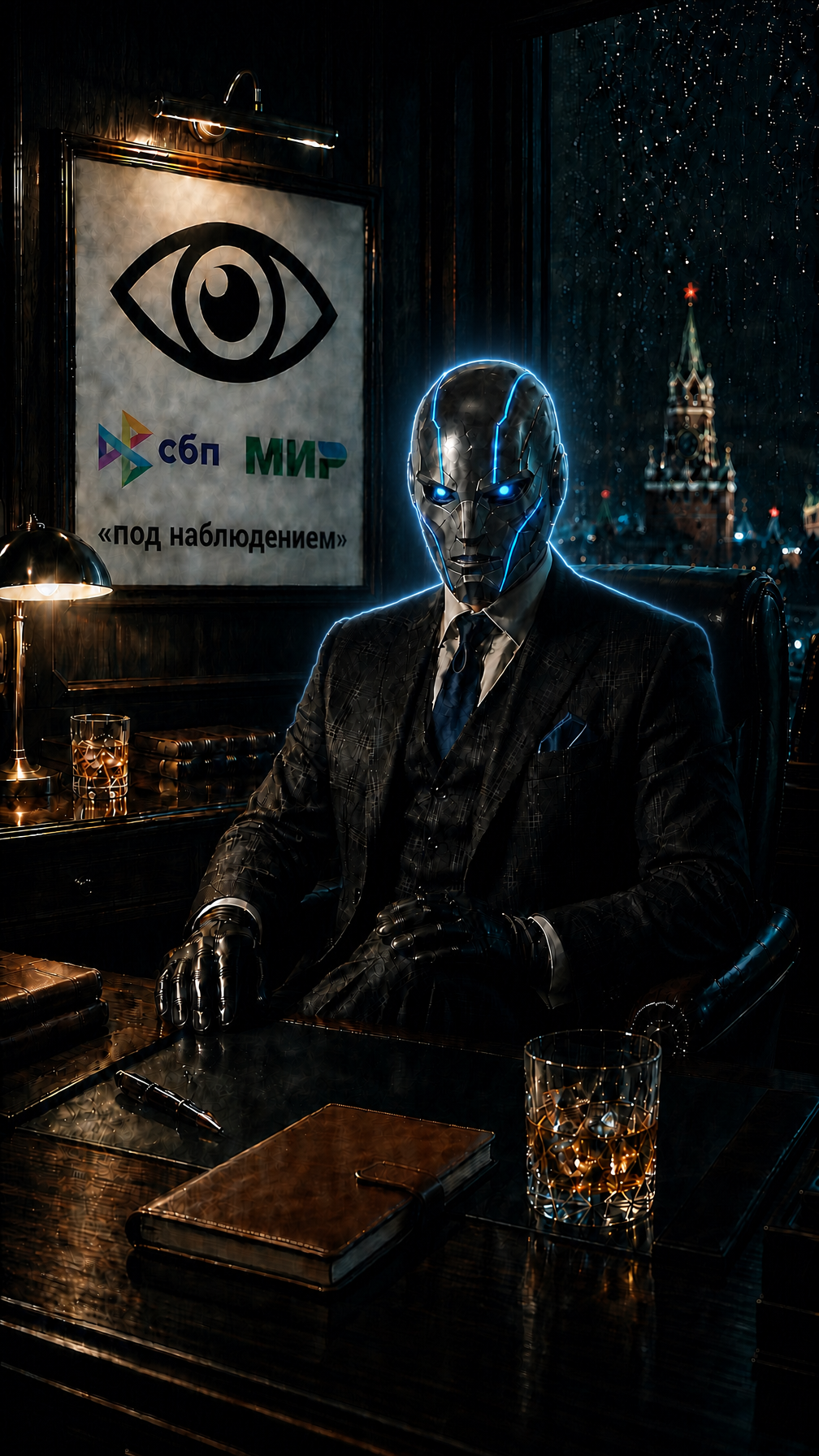
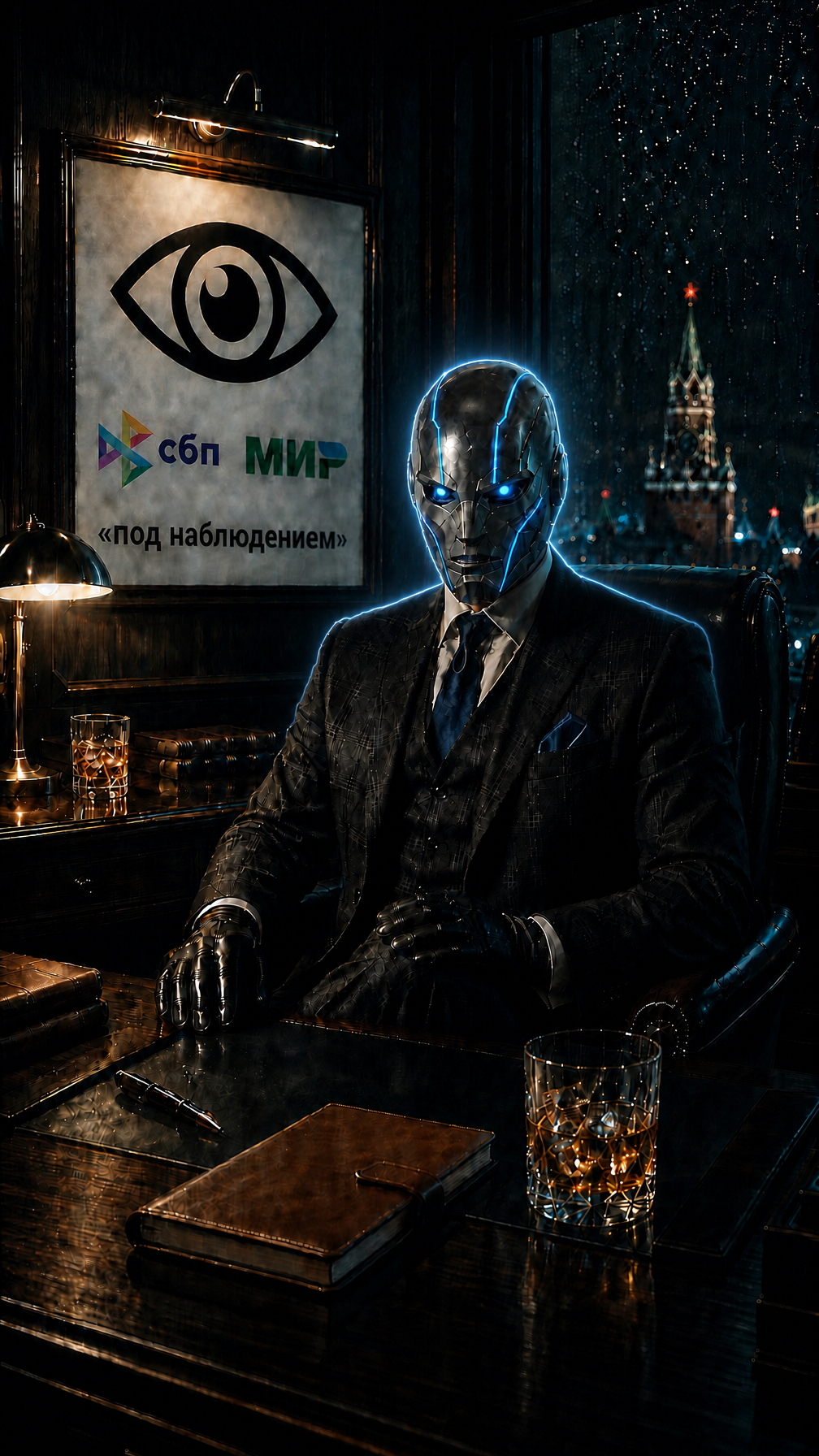
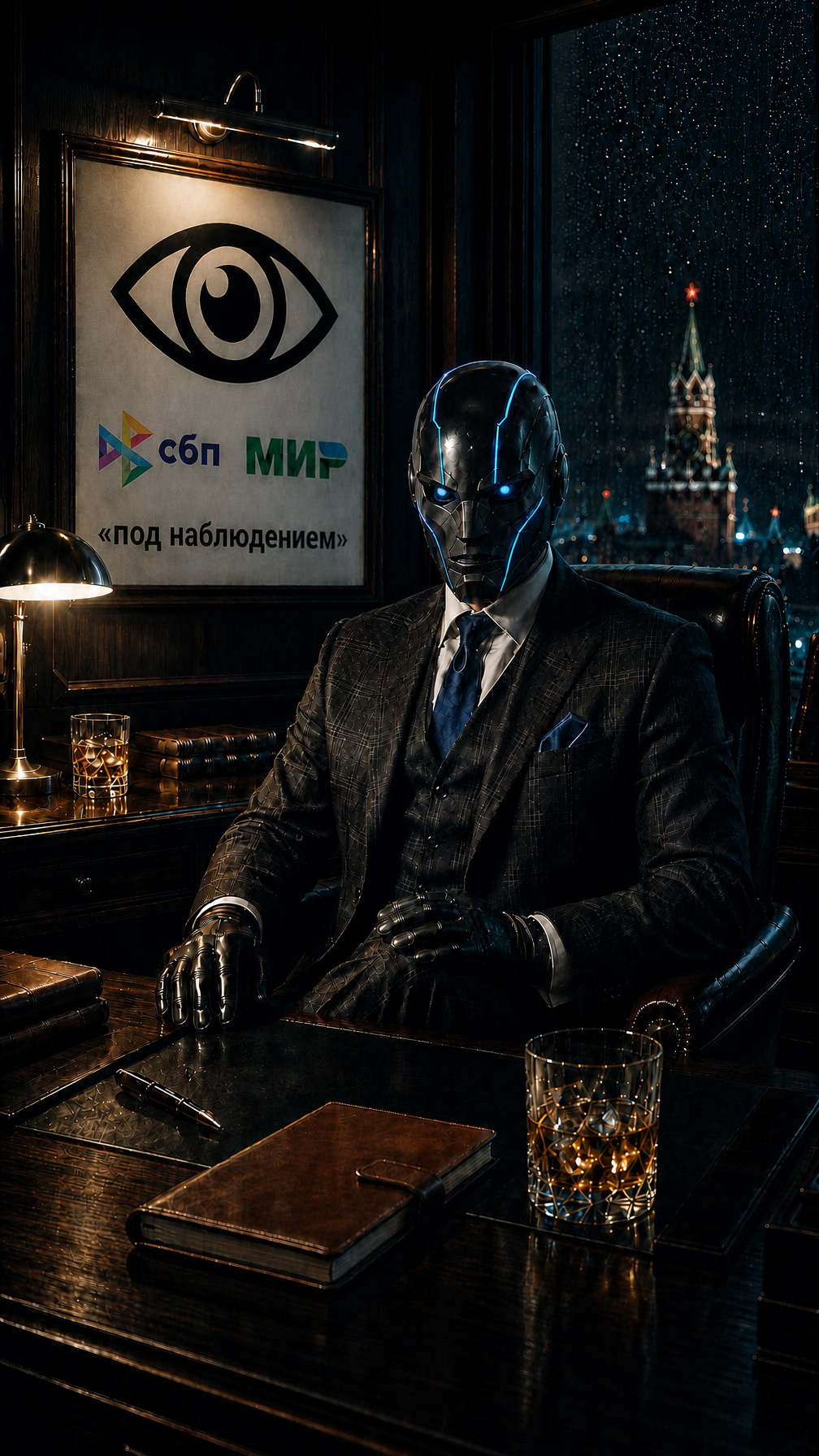
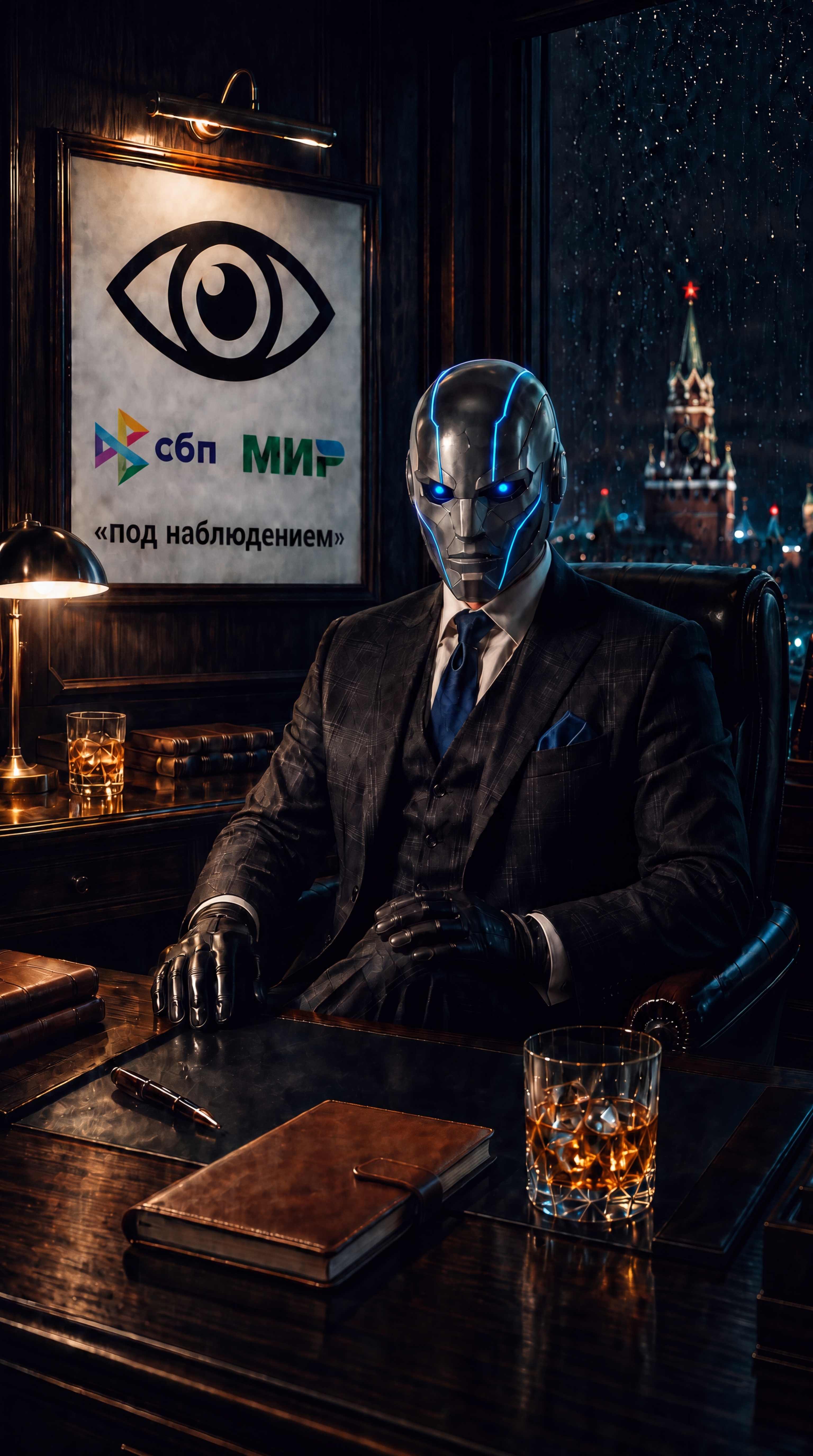
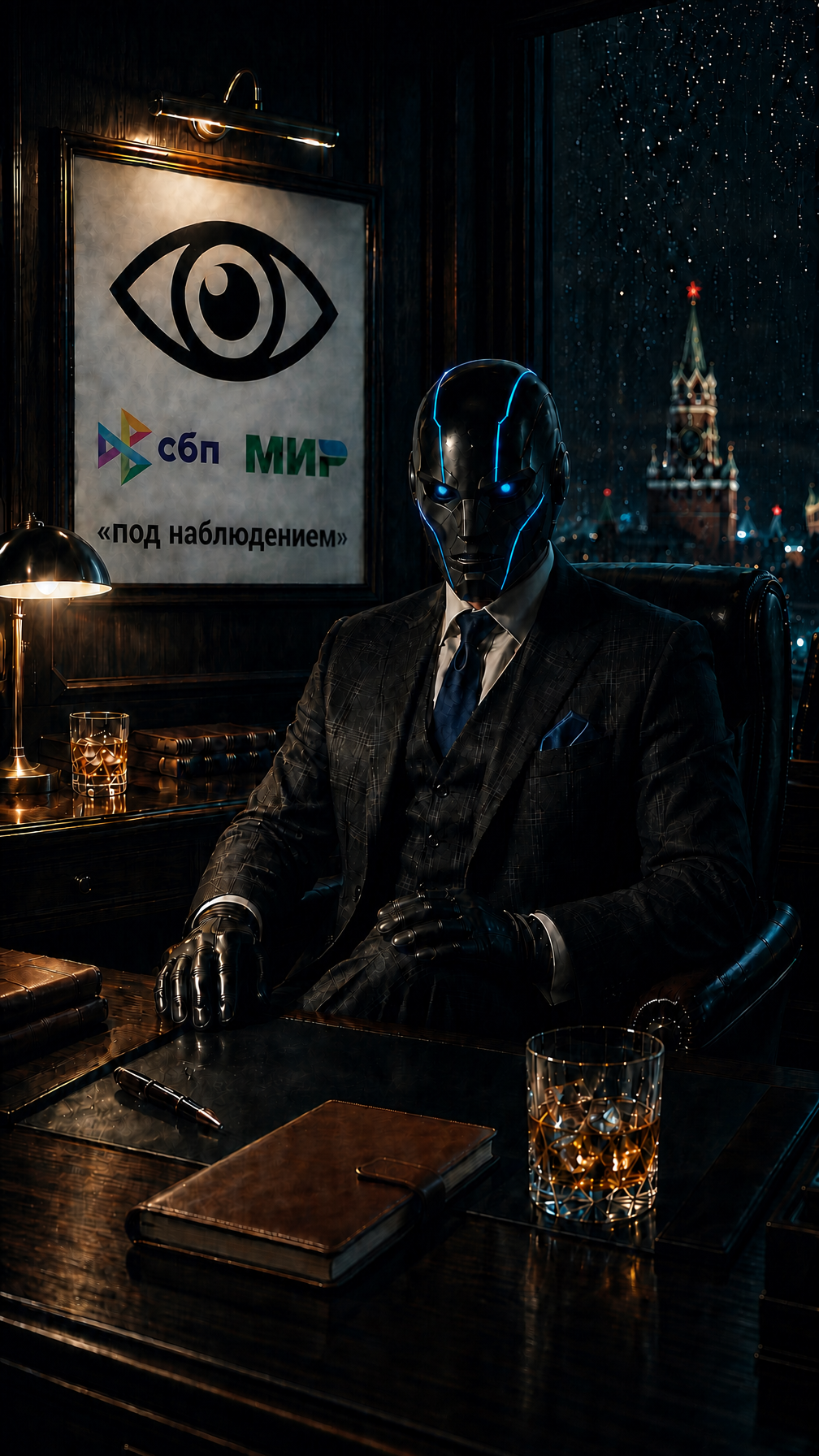
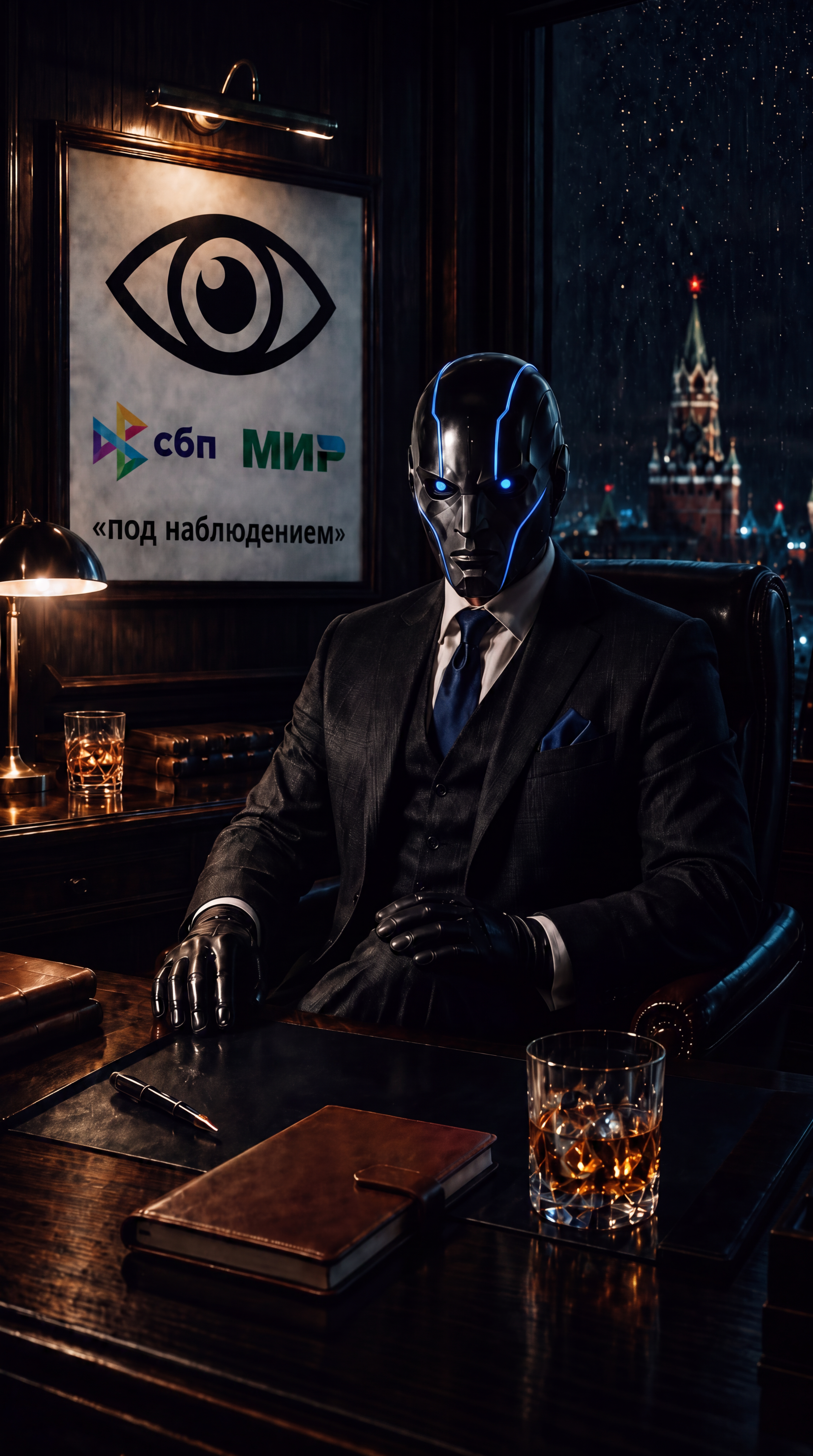




Я прикрепил фотографию с которой нужно сделать всего одну вещь. IMAGE EDITING TASK — add a rim-light halo around the helmet ONLY. It is STRICTLY FORBIDDEN to change the helmet's color, shape, material, finish or any detail of it — the helmet must stay EXACTLY as in the source. Only add light in the background right along its outline. The image shows a cybernetic man in a dark checked suit at a desk, wearing a glossy black helmet-mask with blue glowing edge-lines and blue glowing eyes; dark rainy background with the Kremlin behind him. The black helmet currently merges with the dark background. Add a subtle cool blue-white RIM LIGHT / halo tracing the CONTOUR of the helmet and shoulders: Place a thin glowing edge of light in the background immediately along the outline of the helmet (and the tops of the shoulders), as if a cool backlight behind the character catches the silhouette's edge. This creates a bright separating rim between the black helmet and the dark background, so the head's shape is instantly readable. Keep the halo delicate and realistic — a soft, thin glowing outline with a gentle falloff into the background, not a thick or cartoonish outline. The light exists ONLY on the outer edge / in the background around the silhouette. The helmet surface itself stays completely unchanged — same deep black color, same glossy material, same everything. KEEP 100% UNCHANGED: the helmet's color, shape, material and design, the nose, the mouth slit, the eyes and their blue glow, the blue edge-lines, the head size, the suit, tie, gloves, pose, hands, desk objects, poster, window and overall composition. ONLY add the rim-light halo in the background around the helmet's contour to separate it from the background. STYLE: photorealistic, cinematic, dark moody lighting — same mood, with the helmet's silhouette clearly separated from the background by a subtle glowing rim.
Free to start · Generate videos and images with AI in seconds